
n8n: The Ultimate Workflow Automation Tool Developers Are Switching To
If you’ve ever found yourself doing the same task again and again—sending emails, copying data between apps, or triggering actions manually—you already know how time-consuming it can be. That’s where automation tools come in. One tool that has been gaining strong attention among developers is n8n.
Unlike many traditional automation platforms, n8n gives you full control over your workflows. It’s flexible, open-source, and designed especially for people who want more power and customization in their automation setup.
What is n8n?
n8n (short for nodemation) is an open-source workflow automation tool that helps you connect different apps, services, and APIs to automate repetitive tasks.
In simple terms, it acts like a bridge between your tools. Instead of manually performing actions, you can create workflows where one event automatically triggers another.
- New user signup → Send welcome email
- Add user to CRM → Notify team on Slack
- Save data to database → Generate report
Why n8n is Different
There are many automation tools available, but n8n stands out for several reasons:
1. Open Source and Self-Hosted
You can host n8n on your own server, which means full control over your data and no dependency on third-party pricing models.
2. Developer-Friendly
n8n allows you to write custom JavaScript inside workflows. This makes it extremely flexible when you need advanced logic.
3. No Execution Limits (Self-Hosted)
Unlike many tools that charge per task, n8n allows unlimited workflow executions when self-hosted.
4. Visual Workflow Builder
You can create workflows using a drag-and-drop interface by connecting nodes, making it easy to understand and manage.
How n8n Works
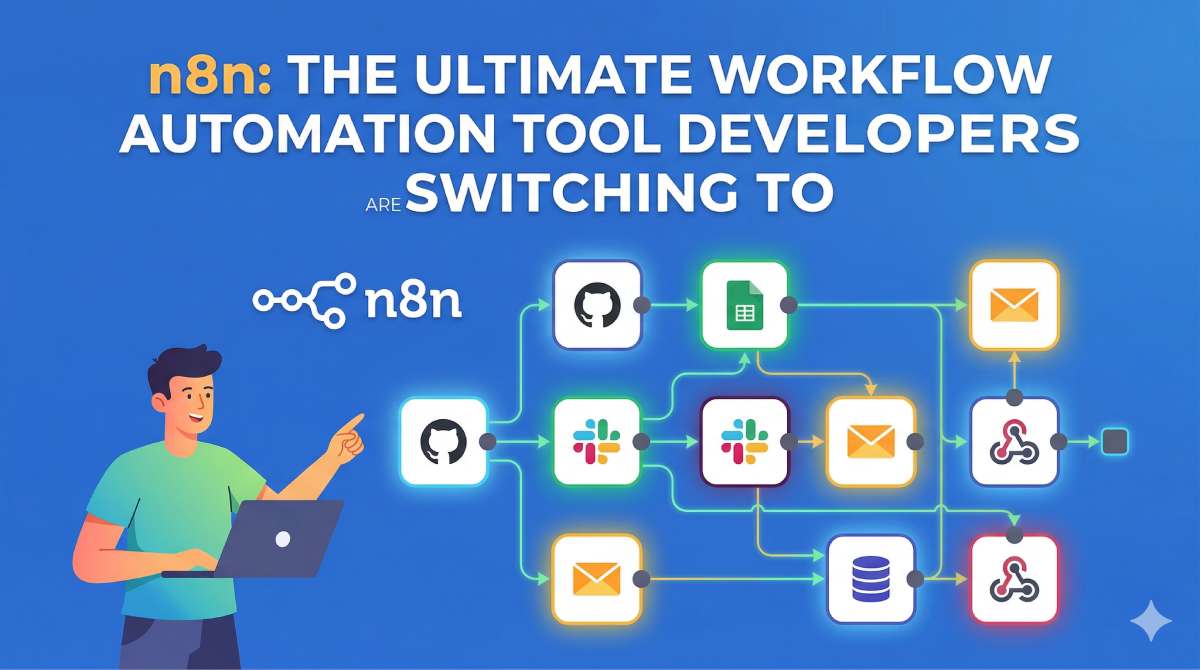
n8n works using two main concepts: nodes and workflows.
- Node: A single step like sending an email or fetching data
- Workflow: A sequence of connected nodes
Example Workflow:
- Trigger (Webhook or Schedule)
- Fetch data from API
- Process the data
- Send email or notification
Key Features of n8n
- 300+ integrations (Google Sheets, Slack, Notion, GitHub, etc.)
- Webhook support for real-time triggers
- Conditional logic for advanced workflows
- Custom JavaScript support
- Error handling and retry mechanisms
Real Use Cases
1. Lead Management
Capture leads from forms, store them in a database, and send automated follow-ups.
2. E-commerce Automation
Automatically process orders, update inventory, and notify customers.
3. Content Automation
Auto-publish blog posts or social media updates from a CMS.
4. DevOps Tasks
Monitor servers, send alerts, and log system activities.
5. AI Workflows
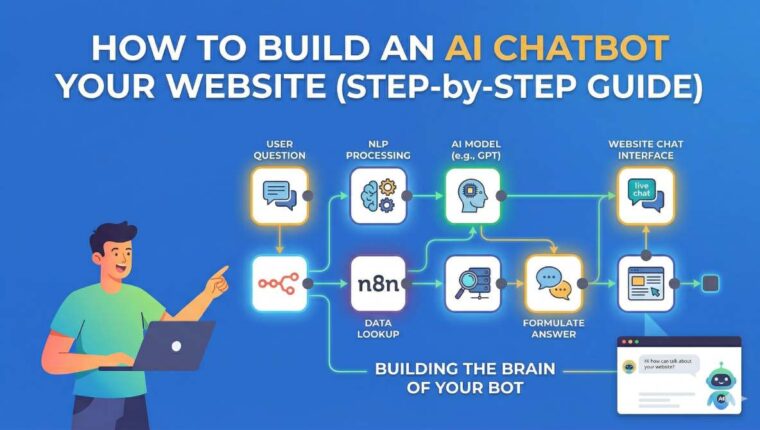
Integrate AI APIs to automate responses, chatbots, or data processing.
How to Get Started
- Install n8n using Docker, npm, or cloud version
- Run the server and open the interface in your browser
- Create your first workflow using nodes
- Test and activate the workflow
n8n vs Zapier
| Feature | n8n | Zapier |
|---|---|---|
| Pricing | Free (self-hosted) | Paid |
| Custom Code | Yes | Limited |
| Flexibility | High | Medium |
| Ease of Use | Medium | Easy |
| Control | Full | Limited |
Pros and Cons
Pros
- Open-source and free
- Highly customizable
- Unlimited workflows (self-hosted)
- Strong developer support
Cons
- Requires initial setup
- Slight learning curve
- UI is simpler compared to paid tools
Final Thoughts
Automation is becoming essential for developers and businesses alike. n8n provides a powerful, flexible, and cost-effective way to automate workflows without being locked into expensive subscriptions.
If you enjoy building custom solutions and want full control over your automation, n8n is definitely worth trying.